01
Start with either app.
Open ShareX Android or ShareX Desktop. Either app works on its own. Choose a shared folder or individual files, then start sharing.
ONE APP ON THE SHARING DEVICEStandalone apps for Android and desktop.
Use either one. Other devices connect in a browser.
 ShareX Desktop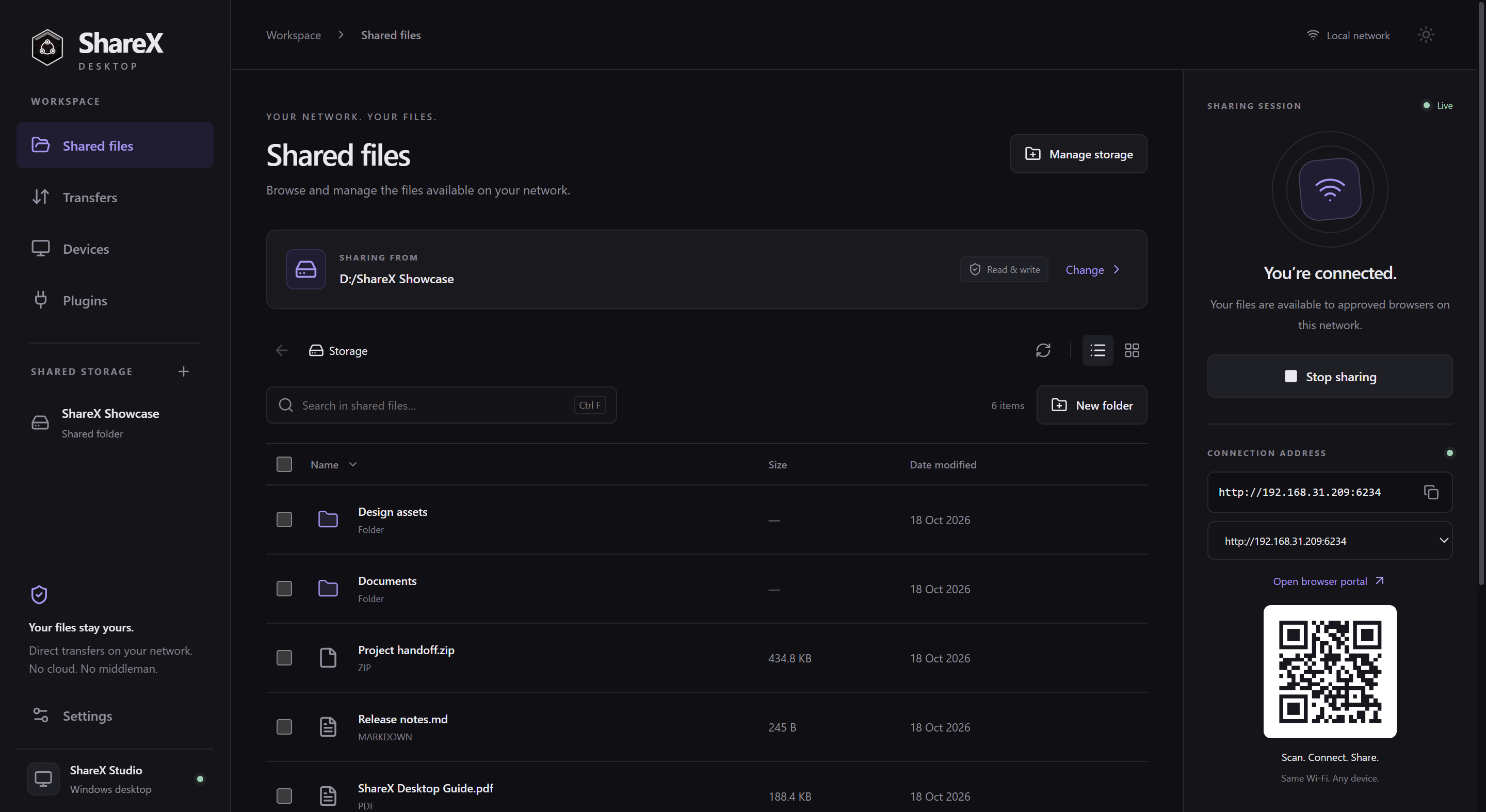
Run ShareX Desktop on its own. Other devices connect in a browser. No Android app required.
Share a folder, a drive, or just the files you choose. Browse, search, and preview them from one familiar workspace.
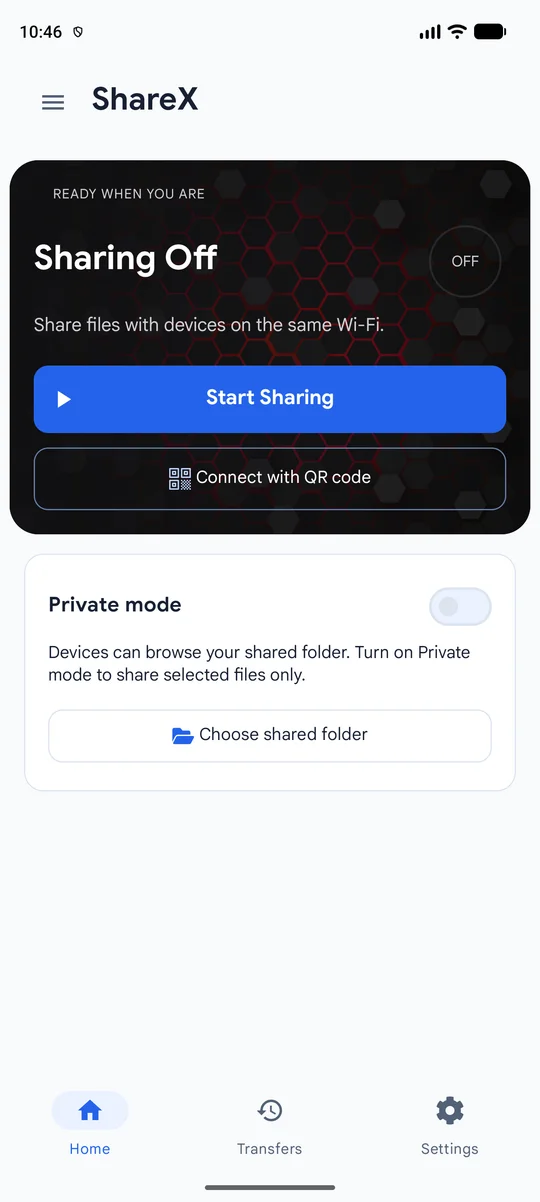
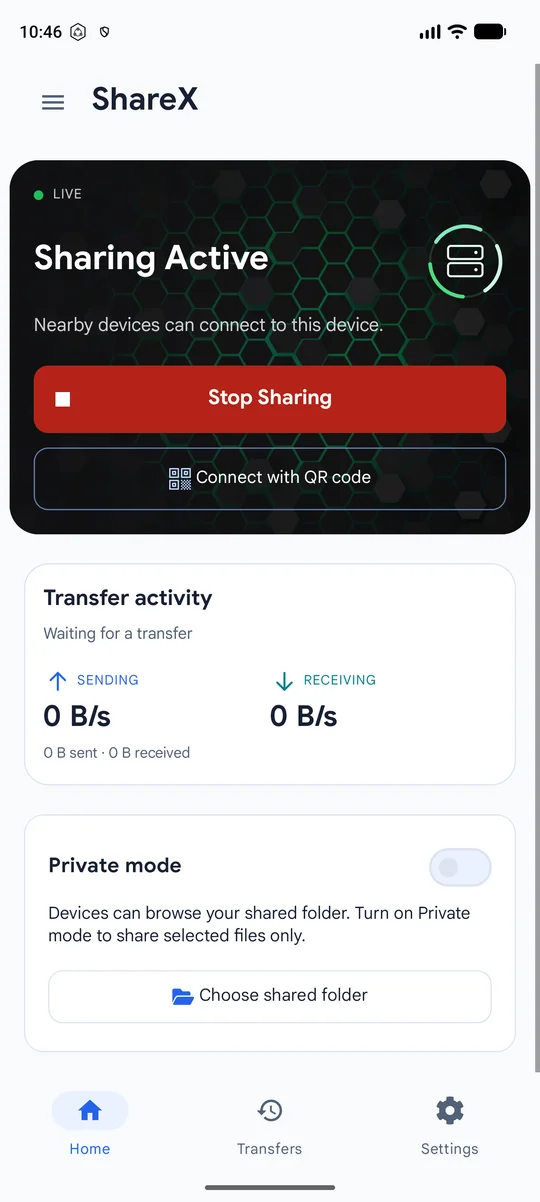
ShareX Android runs on its own. Start sharing on your phone; other phones, tablets, and computers connect in a browser. No desktop app required.
Open ShareX Android or ShareX Desktop. Either app works on its own. Choose a shared folder or individual files, then start sharing.
ONE APP ON THE SHARING DEVICEJoin the same Wi-Fi or hotspot on another phone, tablet, or computer. Scan the QR code or open the local address in its browser.
NO APP NEEDED TO CONNECTApprove browser access. Browse, download, or upload when write access is enabled. Stop sharing when you’re done.
DIRECTLY BETWEEN DEVICESFree to use. Open to explore. Yours to improve.
ShareX is open source, from Android to desktop.
Choose one standalone app. Other devices only need a browser.
Standalone desktop app. No Android app required.
Standalone Android app. No desktop app required.
Get it on Google Play Download APKInstall either app on the sharing device. Connect from any browser.
No. ShareX Android and ShareX Desktop are independent apps. Android works without the desktop app, and Desktop works without the Android app. Start sharing from either one; other phones, tablets, and computers connect through a browser without installing either app.
No. Local file transfers work over the same Wi-Fi network or hotspot without internet access. Online features, such as browsing the plugin Store or downloading the app, still need an internet connection.
No. Install ShareX on the device sharing files. Other devices can scan its QR code or open its local address in a browser. Keep both devices on the same Wi-Fi network or hotspot, then approve browser access.
Files move directly between devices on your local network. ShareX does not route local transfers through a cloud storage service. You choose the folder or files to share and control which browsers can access them.
Yes. The browser portal supports uploads and downloads. The sharing device controls whether file changes are allowed. On desktop, read-only access is enabled by default; enable write access when you want to receive uploads or allow file management.
ShareX is available for Android and desktop. Windows 10/11 x64 is the primary tested desktop platform. macOS and Linux packages are experimental and have not yet been validated on native hardware. Receiving devices only need a compatible browser.
Yes. Both the Android and desktop applications are open source under AGPL-3.0. You can explore the code, report issues, and contribute on GitHub. This project is separate from the Windows screenshot utility with the same name.